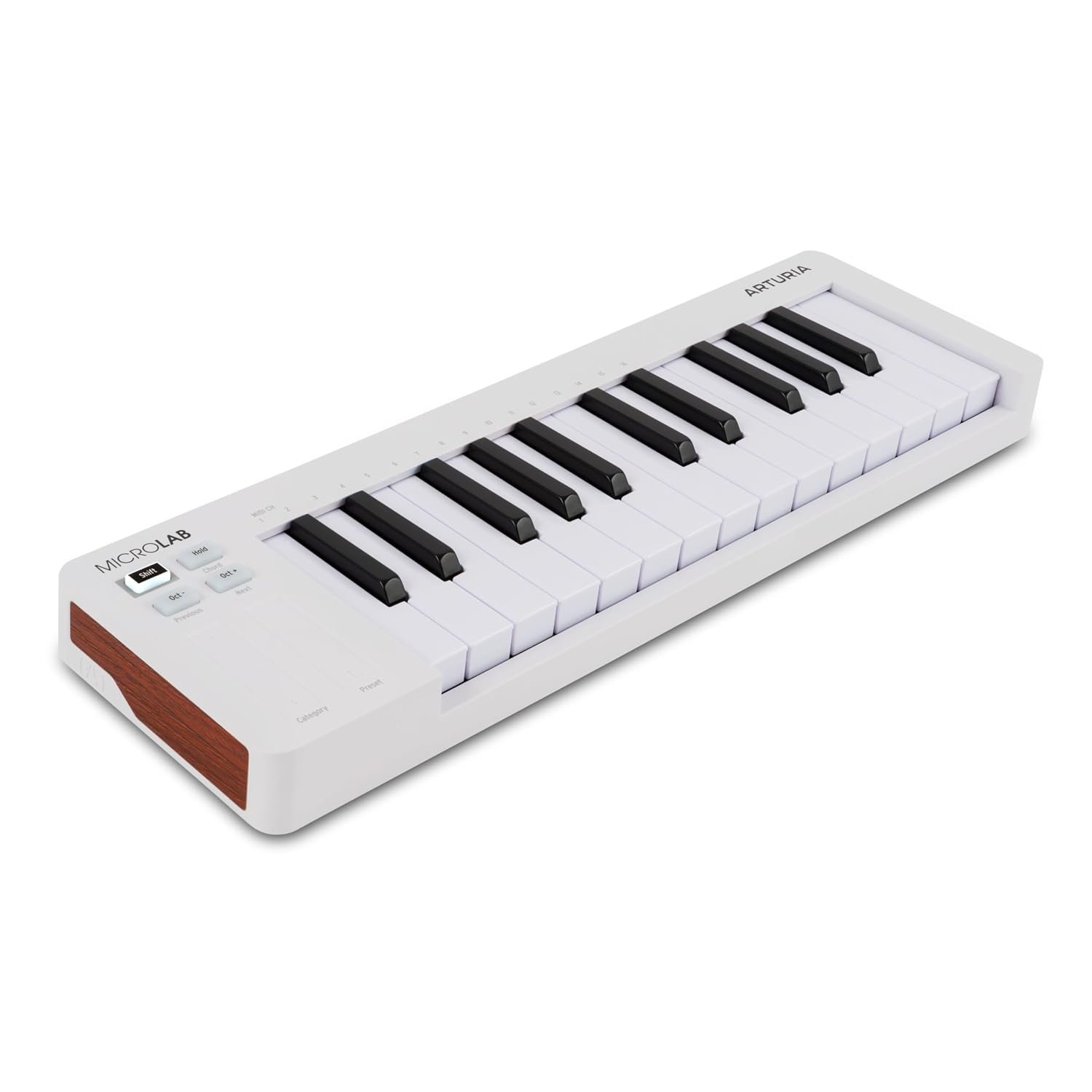
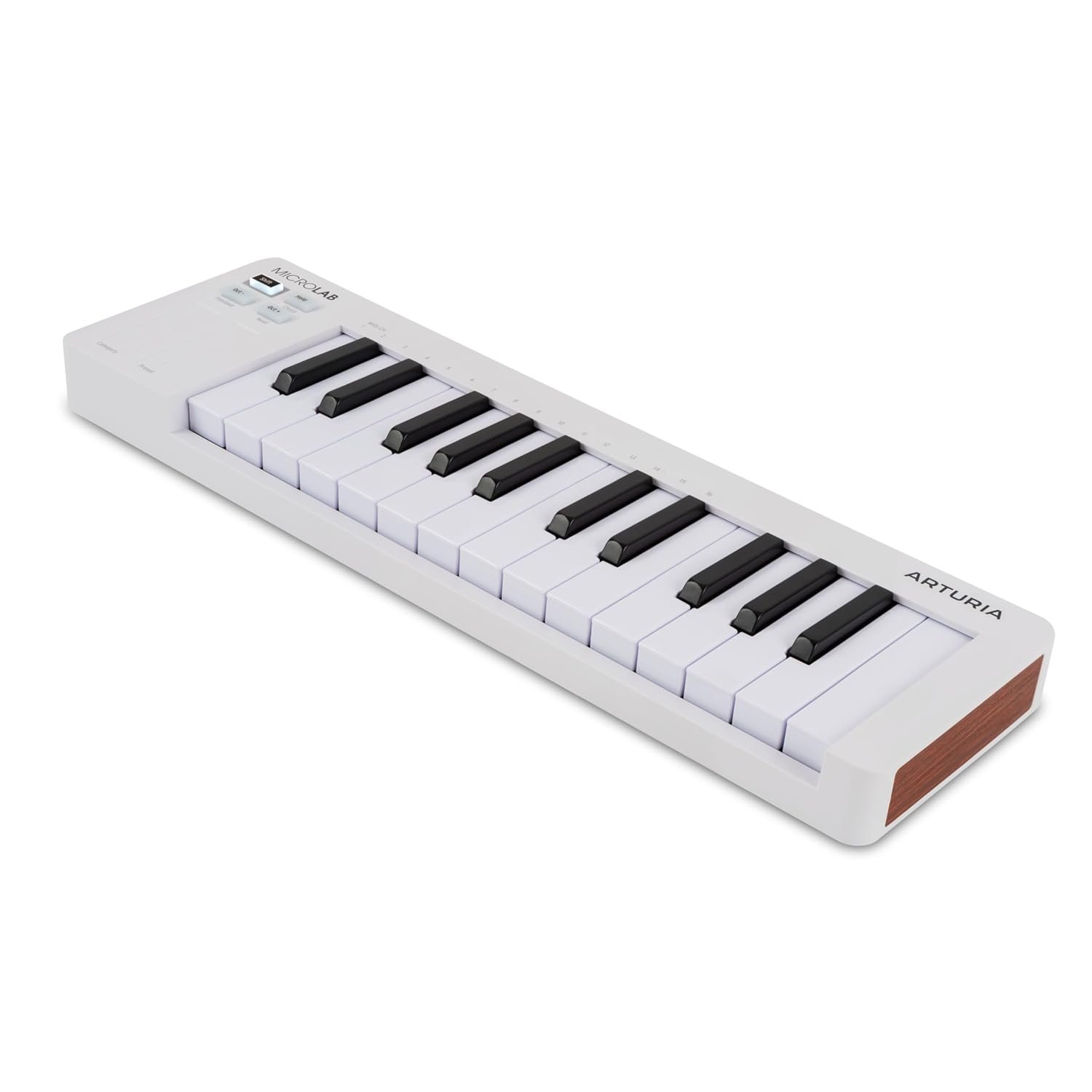
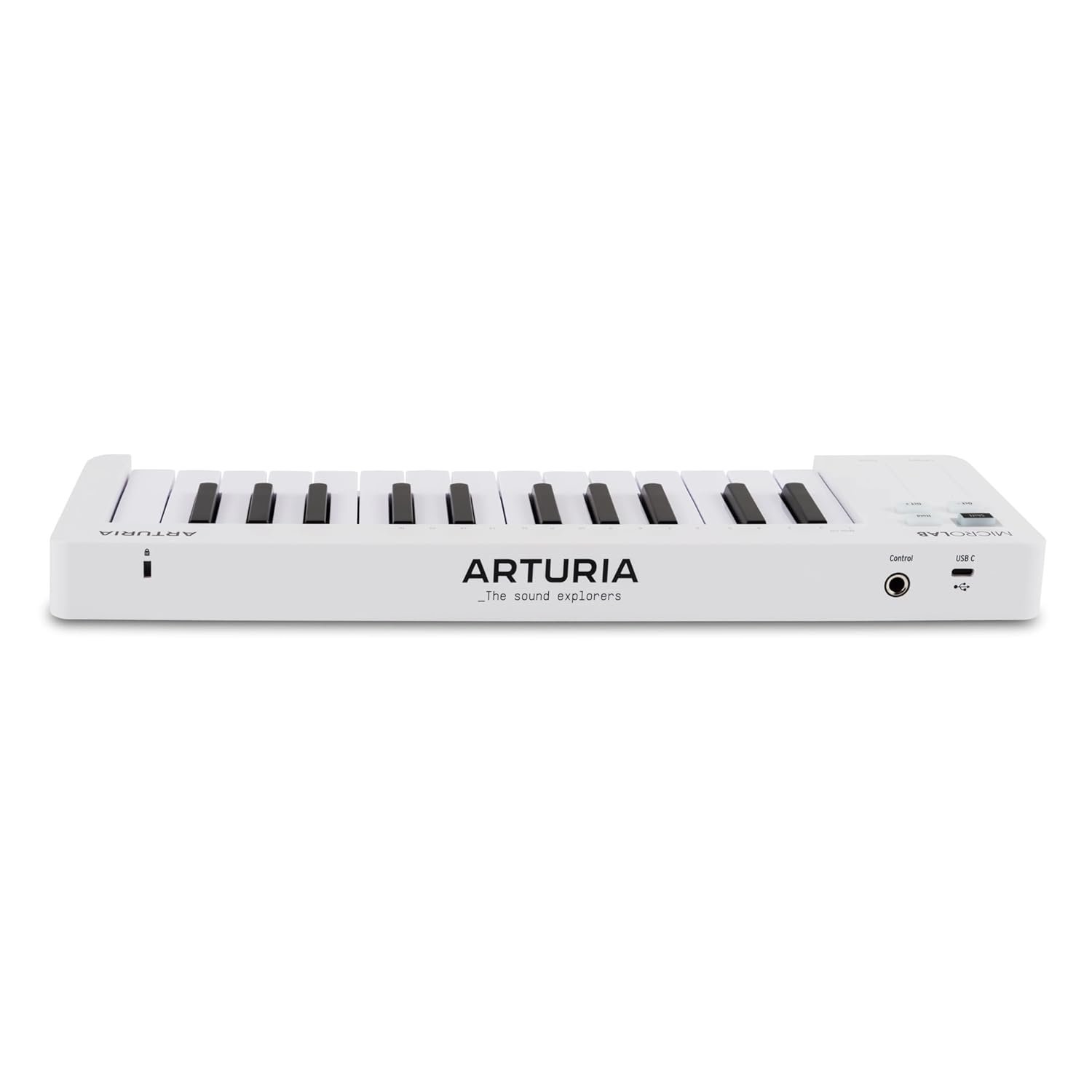
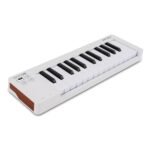
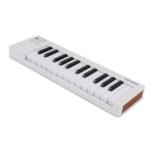
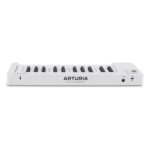
Arturia Microlab Mk3 White Midi Keyboard Controller
₹6,990 Original price was: ₹6,990.₹6,200Current price is: ₹6,200.
- Fast Shipping
- Secured Payment

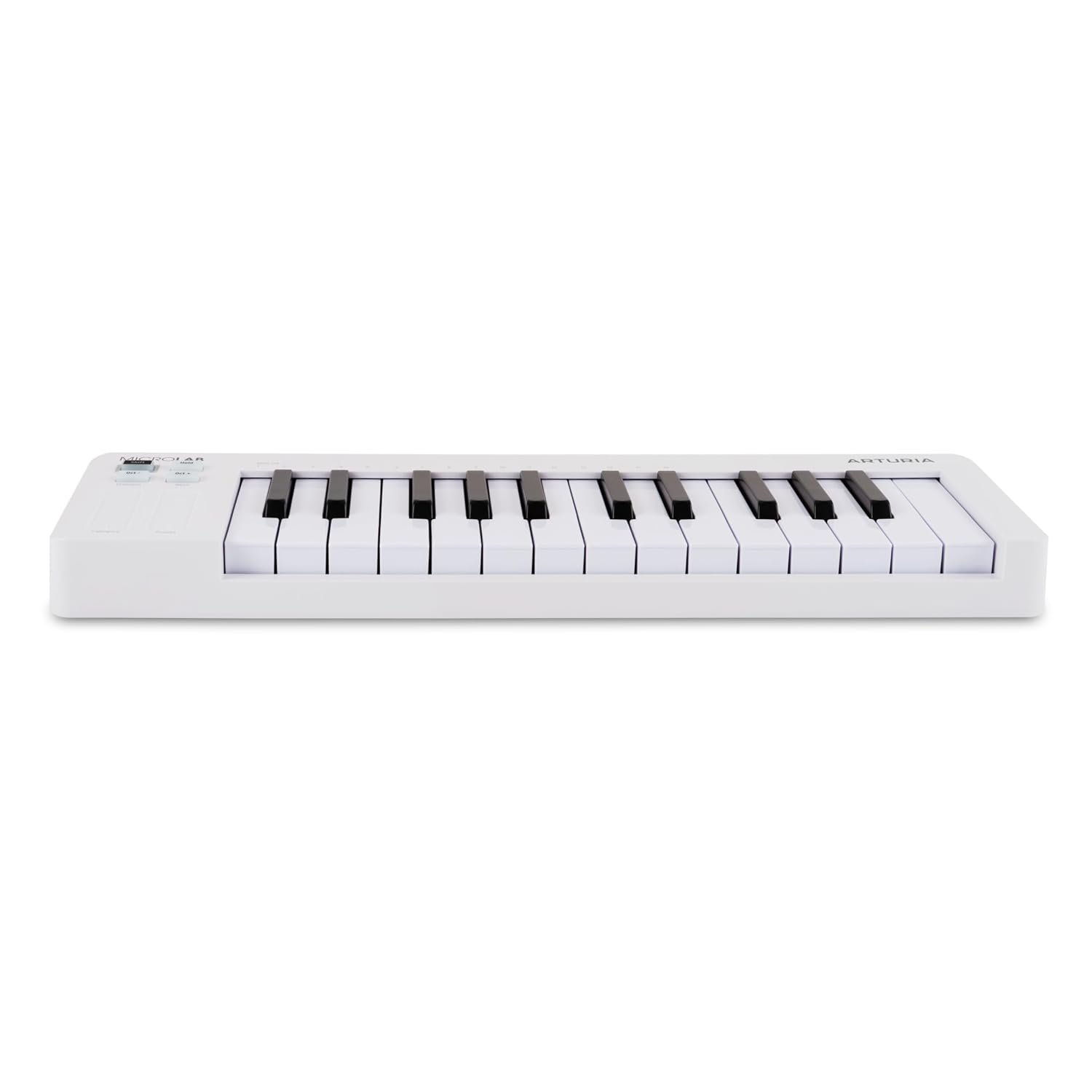
Arturia MicroLab mk3 White is a compact 25-key MIDI controller for software instruments and mobile-sized production setups. Its white finish and slim velocity-sensitive keyboard suit desks where a larger controller would take more room than the playing task requires.
100% Genuine Products
Fast & Secure Shipping
Manufacturer Warranty
Safe & Easy Payments
Expert Support Available
Premium Quality Audio & Video Equipment
We provide industry-leading audio and video solutions designed for crystal-clear sound and stunning visual performance. From professional speakers and wireless microphones to projectors and studio gear, every product is carefully selected to deliver reliability, precision, and powerful performance for both personal and commercial use.
Expert Guidance & Genuine Products
Choosing the right equipment can be confusing — that’s why we help you make the best decision. Our team ensures you get 100% genuine products, backed by expert recommendations, proper specifications, and trusted brand support. No guesswork — only professional-grade solutions that match your needs.
Fast Delivery & Reliable Support
We ensure quick order processing, secure packaging, and safe delivery across India. Our support doesn’t stop after purchase — we’re here to help with setup guidance, product assistance, and after-sales support so you get the best experience from your audio-video investment.
Warranty Information
Experience the Peace of Mind with Official Manufacturers Warranty on Every Product.
Benefits of buying direct from Pro Audio Video
- Free shipping on orders above ₹5,000
- Market-best pricing, no compromise
- 7-day free returns & hassle-free exchanges
- 100% genuine products, manufacturer warranty
What Our Customers Say
I had a fantastic experience purchasing from this store. The price was more reasonable than any other offline store or online website I checked. I am based in Navi Mumbai, and the team went above and beyond to assist me.
Wonderful Store! State of the art products. Excellent staff especially Taruna and above all Mr. Vikram Sharma 👌💯 He has in depth knowledge of the products and guides us as per our requirements and budget. I will definitely recommend to all music lovers.
Very professional and trained staff having knowledge of each and every product they sell. Great selection of premium brands under one roof. Highly recommend visiting the store!
Your store has a very unique concept. It's truly inspiring for all aspiring entrepreneurs. I see myself opening a similar store in the future. Amazing curation of products!
Love my shopping experience at Pro Audio Video store! Very friendly salesperson Jatin with great knowledge of the product and excellent service. Definitely coming back for more.
Description
Arturia MicroLab mk3 White MIDI Keyboard Controller
Arturia MicroLab mk3 White is a compact 25-key MIDI controller for software instruments and mobile-sized production setups. Its white finish and slim velocity-sensitive keyboard suit desks where a larger controller would take more room than the playing task requires.
Why Choose Arturia MicroLab mk3 White?
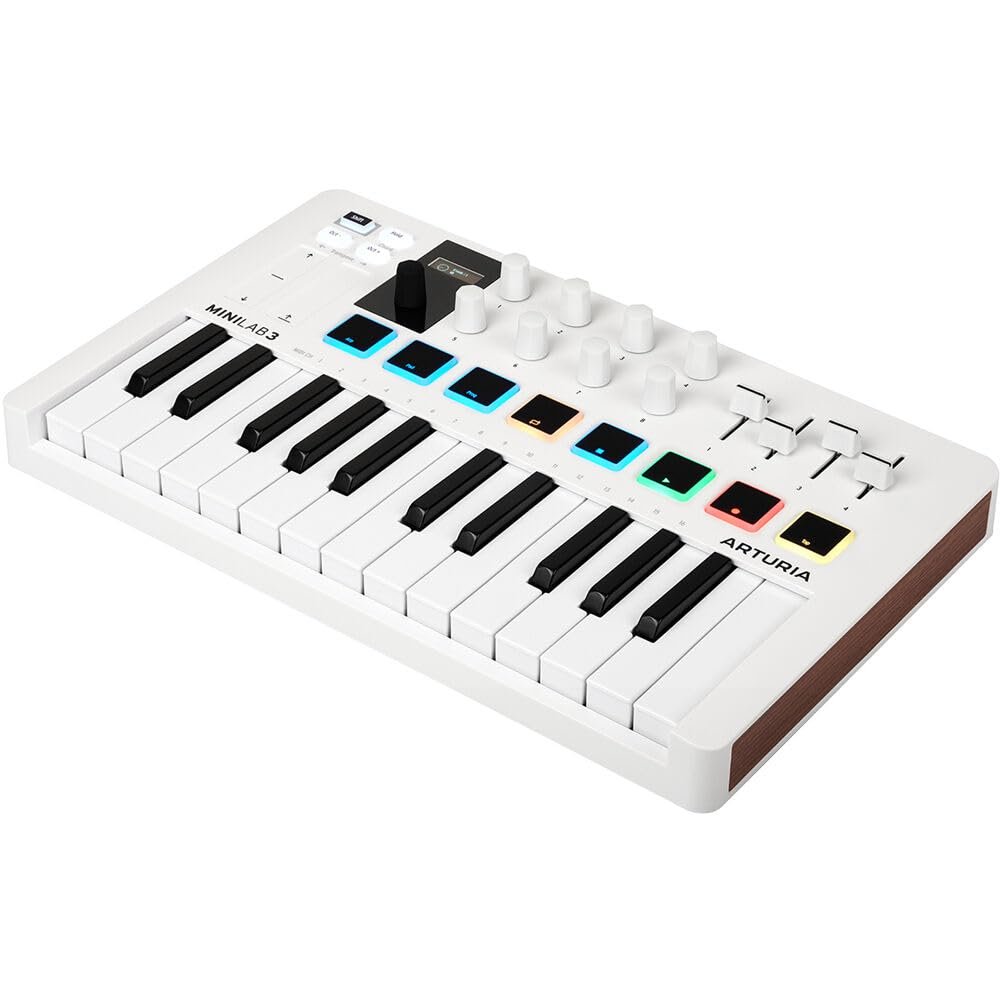
MicroLab mk3 concentrates on keyboard performance, with touch strips for pitch and modulation, octave controls and a chord function. Its USB-C connection supplies power and MIDI to a supported host. It differs from MiniLab 3, whose pads, encoders and faders serve a broader hands-on production role.
Key Features
- 25 slim keys: records expressive velocity-sensitive playing.
- Touch strips: provides pitch-bend and modulation control.
- Chord and hold functions: assists supported performance techniques.
- USB-C connection: supplies bus power and MIDI communication.
Best Suited For
Music composition, software-instrument performance and recording MIDI parts in a compatible DAW. Choose the number of keys around the parts you play, and the control layout around the editing tasks you want under your hands. Keyboard velocity and pad pressure are different performance capabilities and should be compared separately.
Setup and Connection Guide
Connect the controller through the documented host connection and install the manufacturer’s current configuration tools or integration scripts where required. Select it as a MIDI input in the DAW, load an instrument and check note response first. Set a comfortable audio-buffer size on the sound-producing system, then map controls and test the pedal arrangement. Register the unit to check software entitlements; a listing does not establish every promotional licence or subscription.
Frequently Asked Questions
Does MicroLab mk3 include the pads and knobs of MiniLab 3?
No. These are different controllers. MicroLab mk3 has the compact keyboard and touch-strip layout. Choose MiniLab 3 if its eight pads, rotary controls and four faders are important for your workflow.
Does a MIDI controller record microphone audio?
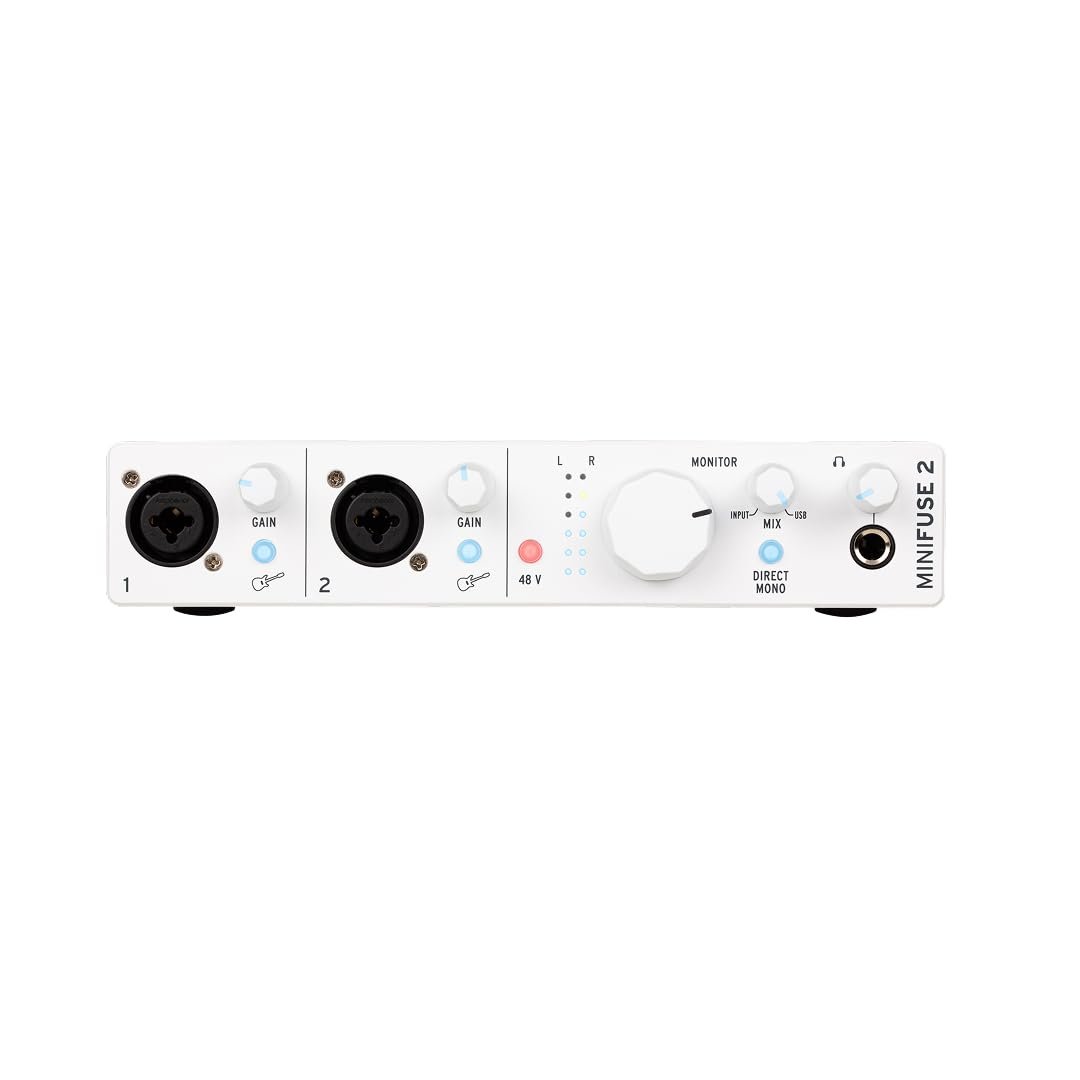
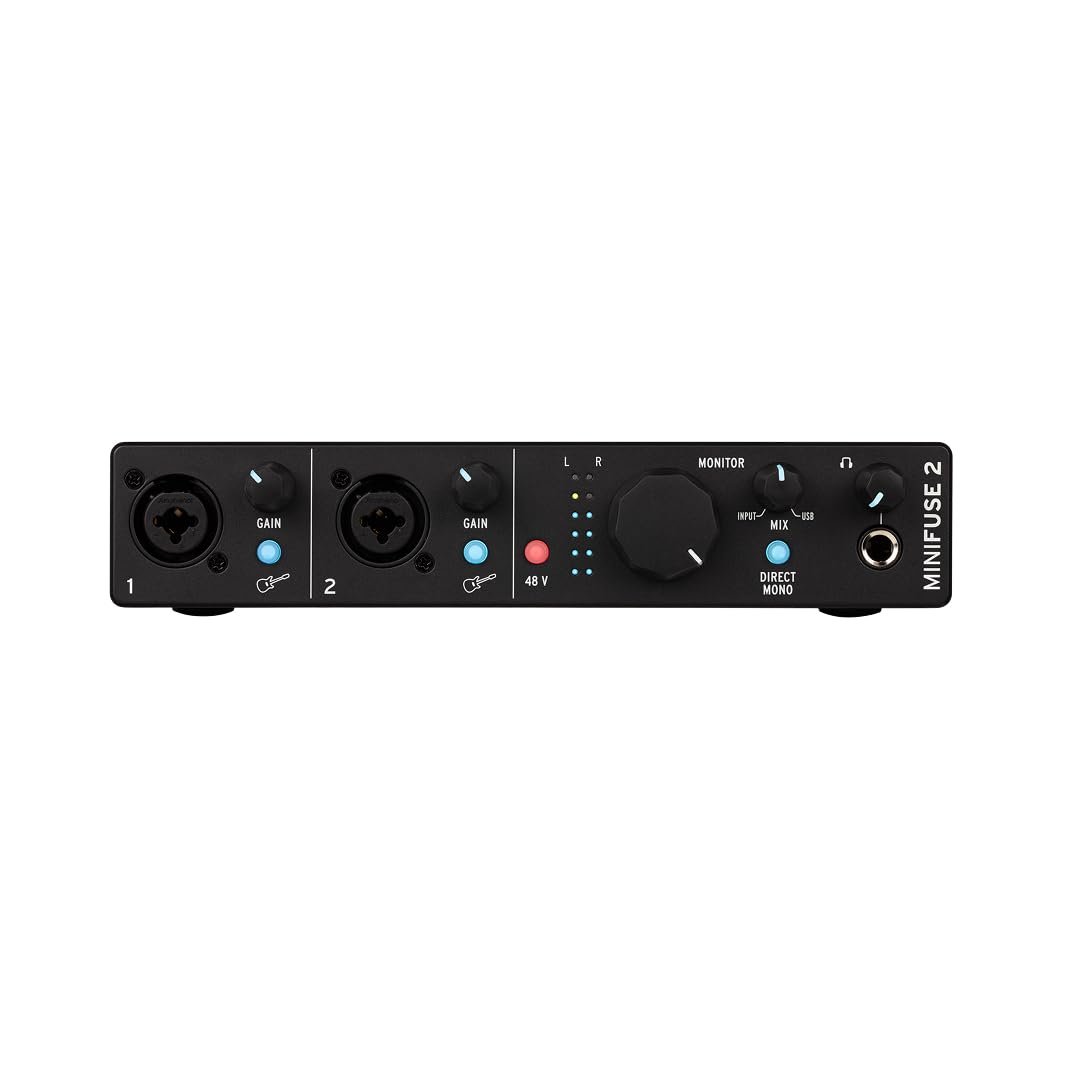
It sends note and control data. Use a compatible audio interface to capture microphone or instrument sound; MIDI communication and analogue recording are separate parts of the studio setup.
Why is there no sound when I connect the keyboard?
Check that a suitable instrument is loaded, the correct MIDI input and track are enabled, and the computer or module’s audio output reaches headphones or speakers. A controller does not normally generate audible sound by itself.
Technical Specifications
| Specification | Detail |
|---|---|
| Model | MicroLab mk3 |
| Listed finish | White |
| Keys | 25 velocity-sensitive slim |
| Expression | Two touch strips |
| Functions | Chord, hold, octave shift and transpose |
| Connection | USB-C |
| Pedal | Control-pedal input |
| Sound source | Compatible software or supported host |
Explore Related Equipment
Compare the features and connection requirements of Arturia MiniLab 3 MIDI Keyboard Controller when planning your setup.