
−10%
Same-day dispatch across India ·Cash on delivery up to ₹45,000
Need advice? Chat with an expert
1 product
1 product
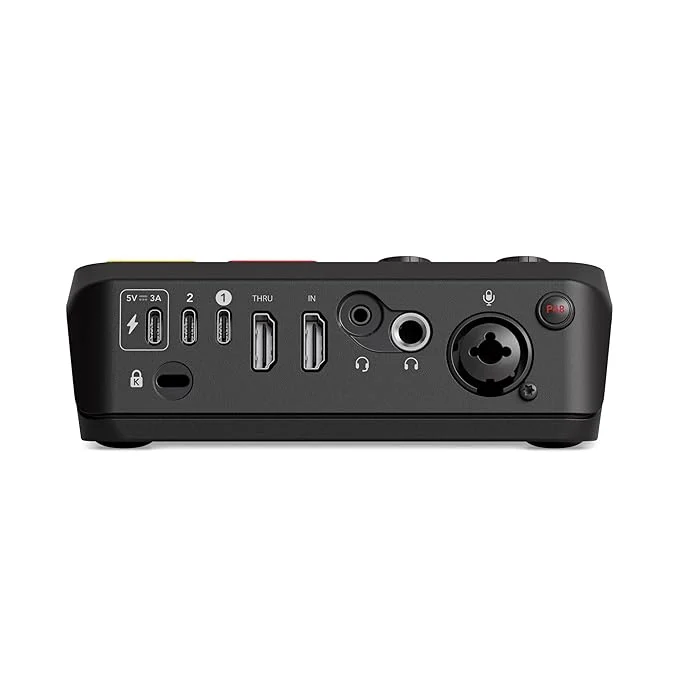
An audio interface connects microphones, guitars, keyboards and other instruments to your computer, and plays back through studio monitors and headphones with far better quality than a built-in sound card. It is the heart of every home studio, podcast setup and streaming rig. Pro Audio Video stocks audio interfaces from Focusrite, Universal Audio, RME, Audient, Rode, Behringer and TASCAM, from 2-input desktop boxes to large rack-mount units for professional studios.
It converts analogue signals from microphones and instruments into digital audio for your recording software (DAW), and converts digital audio back to analogue for your monitors and headphones. It also provides microphone preamps, 48V phantom power for condenser microphones, instrument inputs and low-latency monitoring.
The Focusrite Scarlett series is the most popular choice for home studios, known for its reliability and easy setup. Universal Audio Volt and Apollo offer vintage character and Unison preamps. Audient iD interfaces are praised for their clean console-grade preamps. RME interfaces are known for rock-solid drivers and very low latency, trusted in professional studios.
Most interfaces work with macOS and Windows, and many are class-compliant with iPad and iPhone. They work with all major DAWs, including FL Studio, Ableton Live, Logic Pro, Pro Tools, Cubase, Studio One and Reaper. Many include free software bundles.
Install the latest driver from the manufacturer, select the interface as the audio device in your DAW, and set the buffer size: lower for recording (64 to 128 samples) and higher for mixing. Set input gain so your loudest parts peak around -12 to -6 dBFS.
A USB mic is simpler for one voice. An interface gives you better quality, multiple inputs, instrument recording and the freedom to upgrade microphones over time.
Prices include GST and are updated automatically from our store. Call or WhatsApp us for the best price on bundles and bulk orders.
The Focusrite Scarlett Solo or 2i2 and the Audient iD4 are excellent starter interfaces with great preamps and simple setup.
Yes. All our audio interfaces support macOS and Windows. Many also work with iPad and iPhone.
One or two inputs for solo recording and podcasts. Eight or more for recording bands and drum kits.
No. USB-C interfaces perform very well. Thunderbolt mainly benefits users who need extremely low latency on supported computers.
Yes. Choose an interface with loopback so you can stream your microphone and computer audio together.
Most include a DAW and plugin bundle. Check the product page for details.
Yes. Call or WhatsApp us for help choosing and setting up your interface.
Tell us about your room, your budget and what you listen to. Our team will suggest a setup that fits, or put together a quote for a complete system.